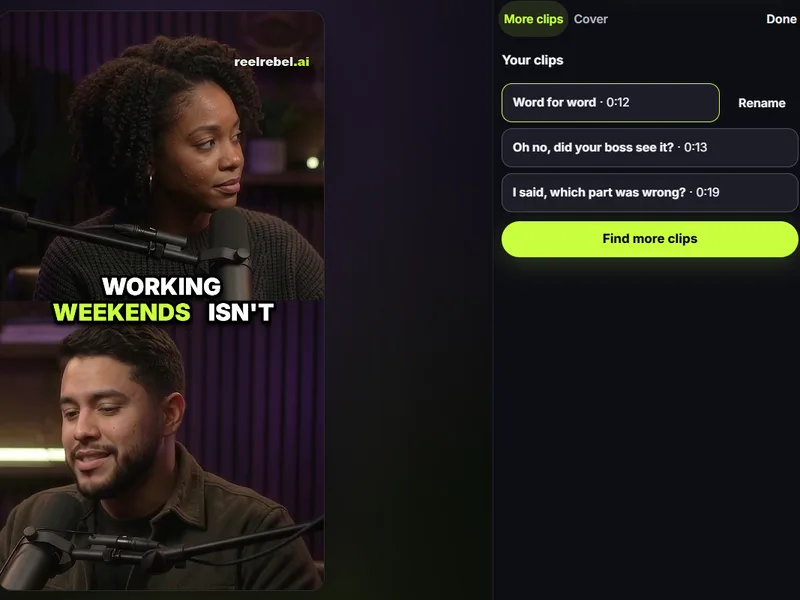
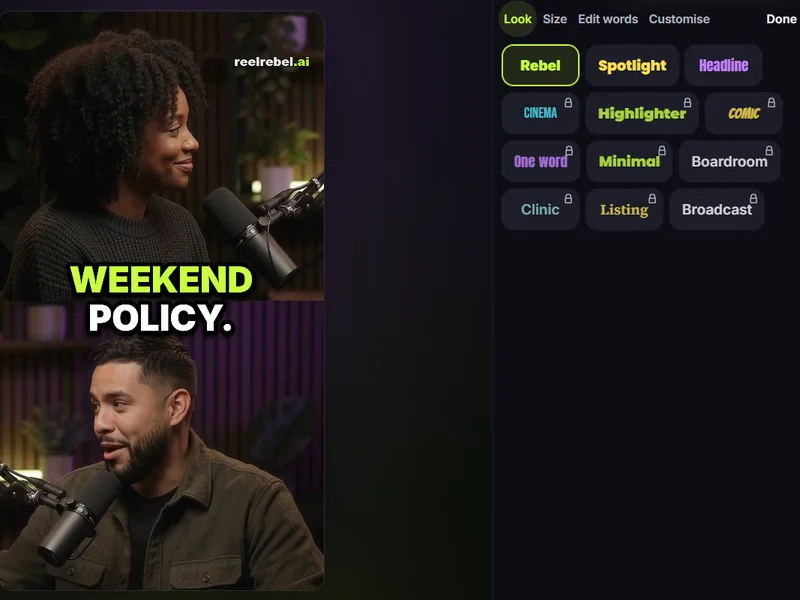
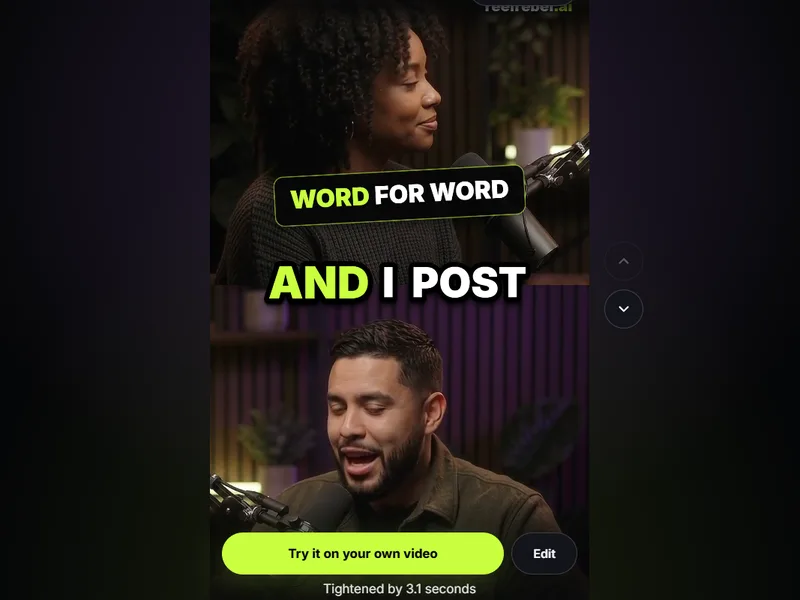
Drop in long podcasts and interviews. Clips open at the start of a sentence, with word-by-word captions and a retention check before you post. Bulk mode is coming soon; today it’s one recording at a time.
AI writes down every word and finds the moments worth posting.
2
Get ranked moments
Up to 10 per recording, each with a score and the reason it was picked, so you skip the scrubbing.
3
Check it, then post
Run the Retention check, fix captions and framing, and export a 9:16 MP4 for Reels, TikTok and Shorts.
Free forever. No card.
SWITCHING CLIPPERS?
Keep the clips. Lose the headaches.
We read what creators say about AI clippers. These are the complaints that come up most, and how ReelRebel handles each one.
“Big uploads stall before anything happens.”
✓ No upload queue: your first clips start right away.
“Credits burn by the minute, then expire.”
✓ No credits, no minute meter. A three-hour episode costs the same as a three-minute one, and a failed export never counts.
“The AI picks random moments.”
✓ You choose every clip. Each suggestion opens on the hook and tells you why it was picked.
See all six“Clips cut off mid-sentence.”
✓ Every clip starts and ends on a complete sentence. A pick that doesn’t is fixed or thrown out automatically.
“Captions drift off the words.”
✓ Each word is timed to the voice and lights up as it’s spoken. Fix a word in one click.
“Cancelling is a fight.”
✓ Cancel from your account any time. Not for you? Ask for a refund within 14 days.
Free forever. No card. No credits.
HOW THE TOOLS FIT TOGETHER
Find it. Polish it. Post it.
Screens from ReelRebel, shown with our AI-made sample video.
Step 1
Find clips
Start with a long video. Get ranked clips back.
The AI Producer and Clip Finder read the whole episode and rank its complete moments, best first. Open “Why this clip?” on any pick to see what it scored on, then check a finished cut with Clip Score.
The Editor opens on what keeps people watching: the Hook coach grades your first 2.5 seconds, Animated captions keep them reading and AI Reframe keeps every face in frame.
One click makes a vertical MP4 with your captions burned in, with no upload queue. Finishing somewhere else? Take the edit to Premiere, Resolve or Final Cut as XML, or plan the post in the Social scheduler.
Pro costs about the same as three coffees a month.
No minute meter: a long episode costs the same as a short one, because only exports count. Free needs no card. Cancel Pro or Studio any time. 14-day refunds on request.
Questions creators ask
Is it really free?
Yes, free forever. No card needed. Your first clip downloads with no account and no watermark; after that, 5 exports a month with a small mark. Every core tool runs free in your browser. Pro removes the mark and gives you 50 exports a month.
Do my videos get uploaded?
No. Your video stays on your device. To write the captions, the sound of the recording you're clipping goes to our captioning service in parts (never the video), and it is not used to train AI. If you paste a YouTube link, our server fetches only the moments it picks for your clips and deletes them within 24 hours.
Is my footage used to train AI?
No. Your video never reaches us, and the sound we caption is sent with a no-training setting. AI clip picks send only the transcript text, labelled AI. A YouTube link brings in only the moments we clip, deleted within 24 hours.
What makes this different from other clipping tools?
Other tools stop at cutting. ReelRebel also finds and fixes what makes viewers leave: slow starts, dead air, filler and missing payoffs. And there is no minute meter: many clipping tools charge by minutes of uploaded video, while ReelRebel counts only the clips you export.
Will it change what we said?
Never. Clips keep your original words, and you make the final call.
What do I need?
A phone or computer with an up-to-date browser, and a video. iPhones need iOS 16.4 or later to save the finished clip.
Clip more. Wait less.No made-up scores. Just honest checks for the moment viewers bail.